
Free
Cumulative registrations 0–300
₩0
Fee per event
- Email · 300 initial sends in total
- Self-service
- Basic closing report
- Multi-session and zone entry not included
Concerts, exhibitions, museums, sports — every vertical runs differently. We provide a solution optimized for each.
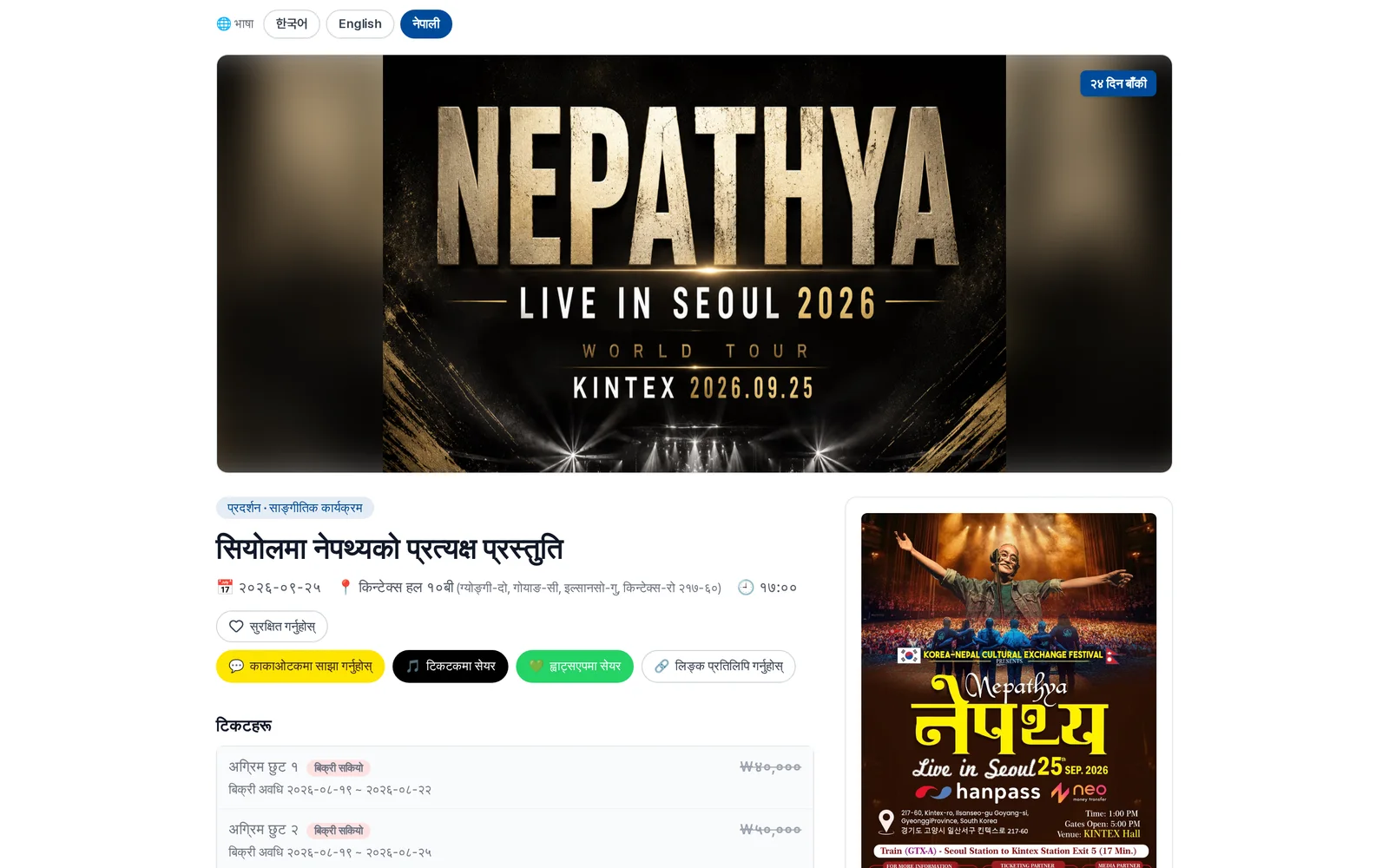
Concerts
Smart ticketing that connects fans and artists
Learn more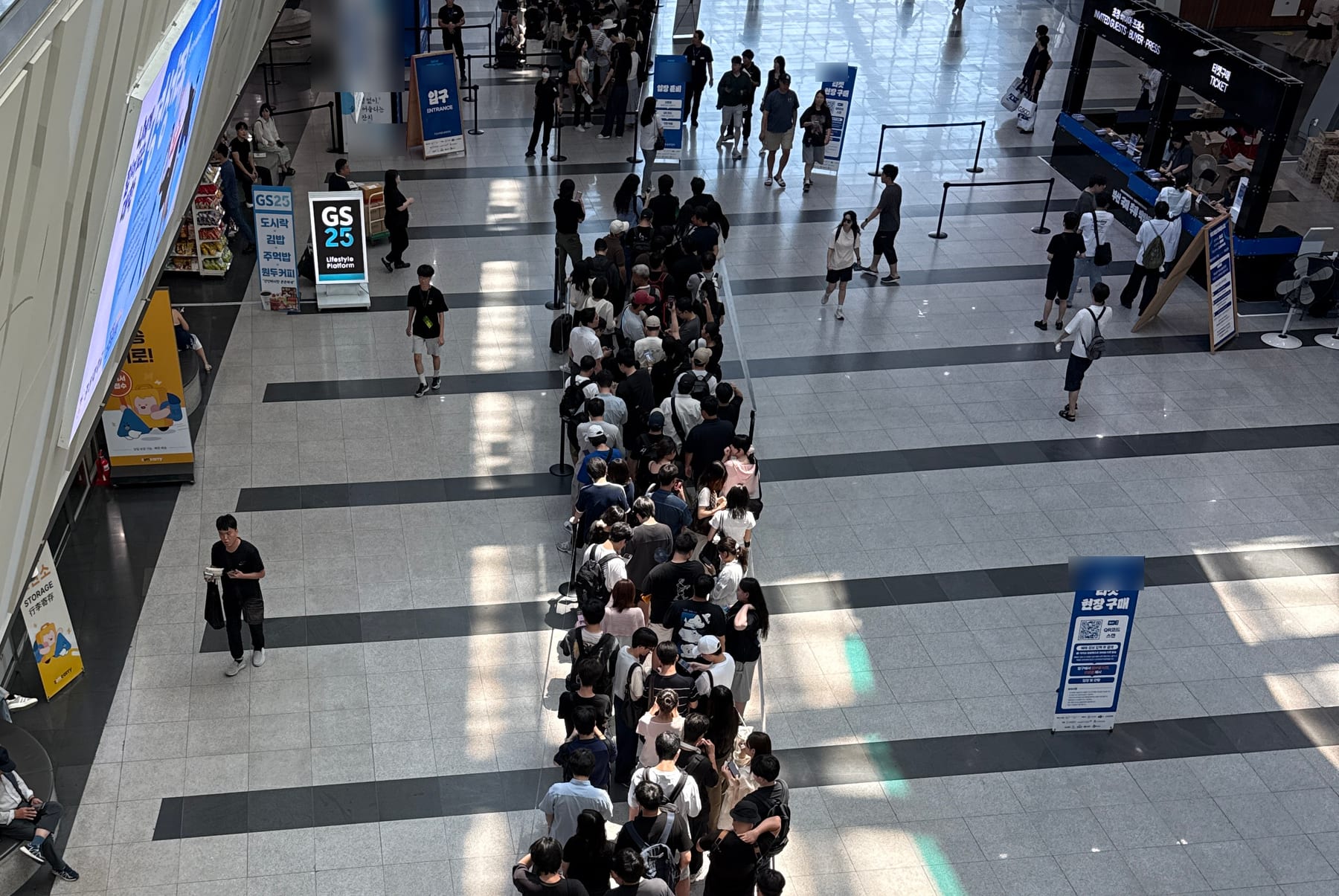
Exhibitions (MICE)
An all-in-one event platform for PCOs & PEOs
Learn more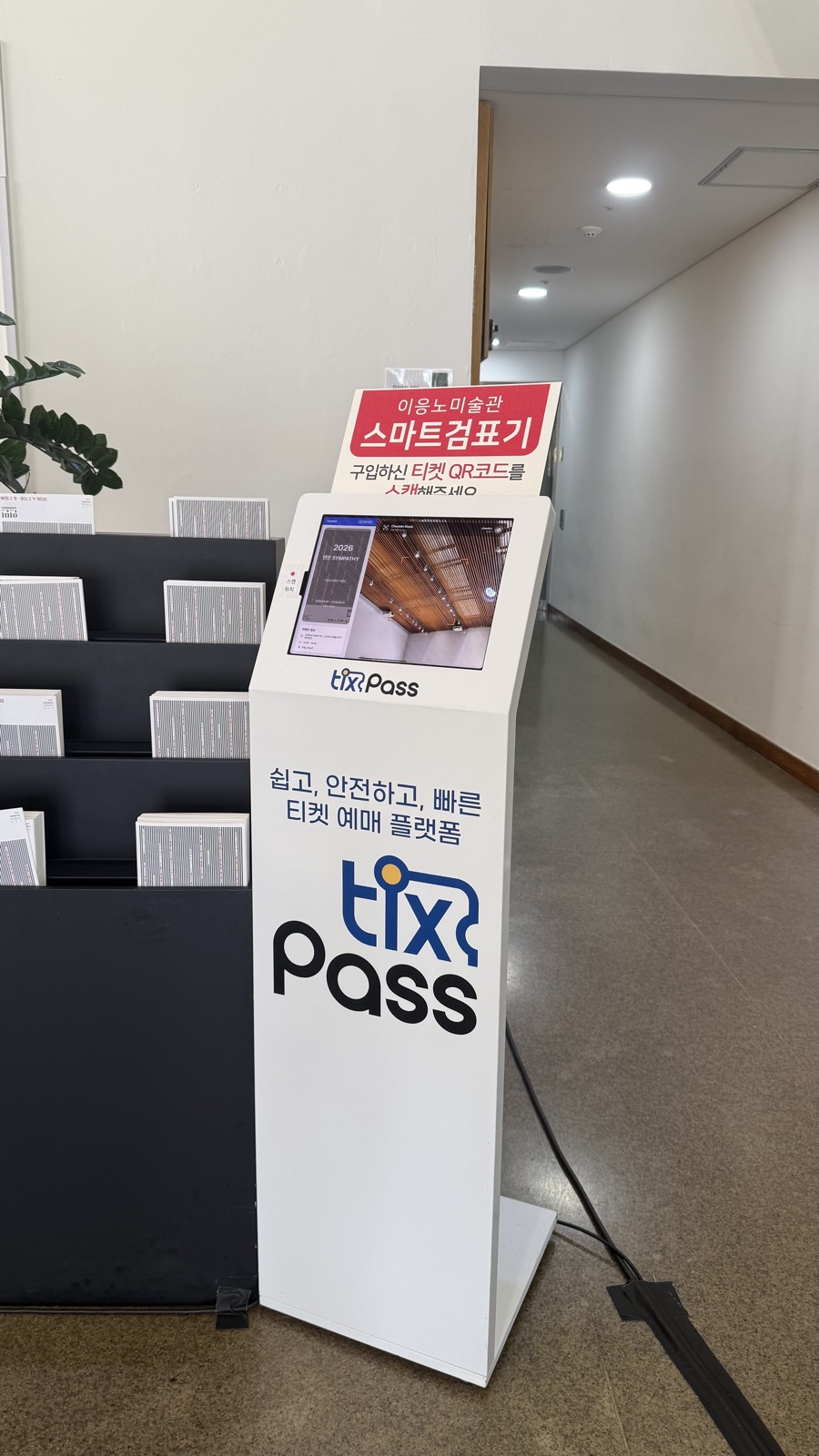
Museums
Bringing culture closer
Learn more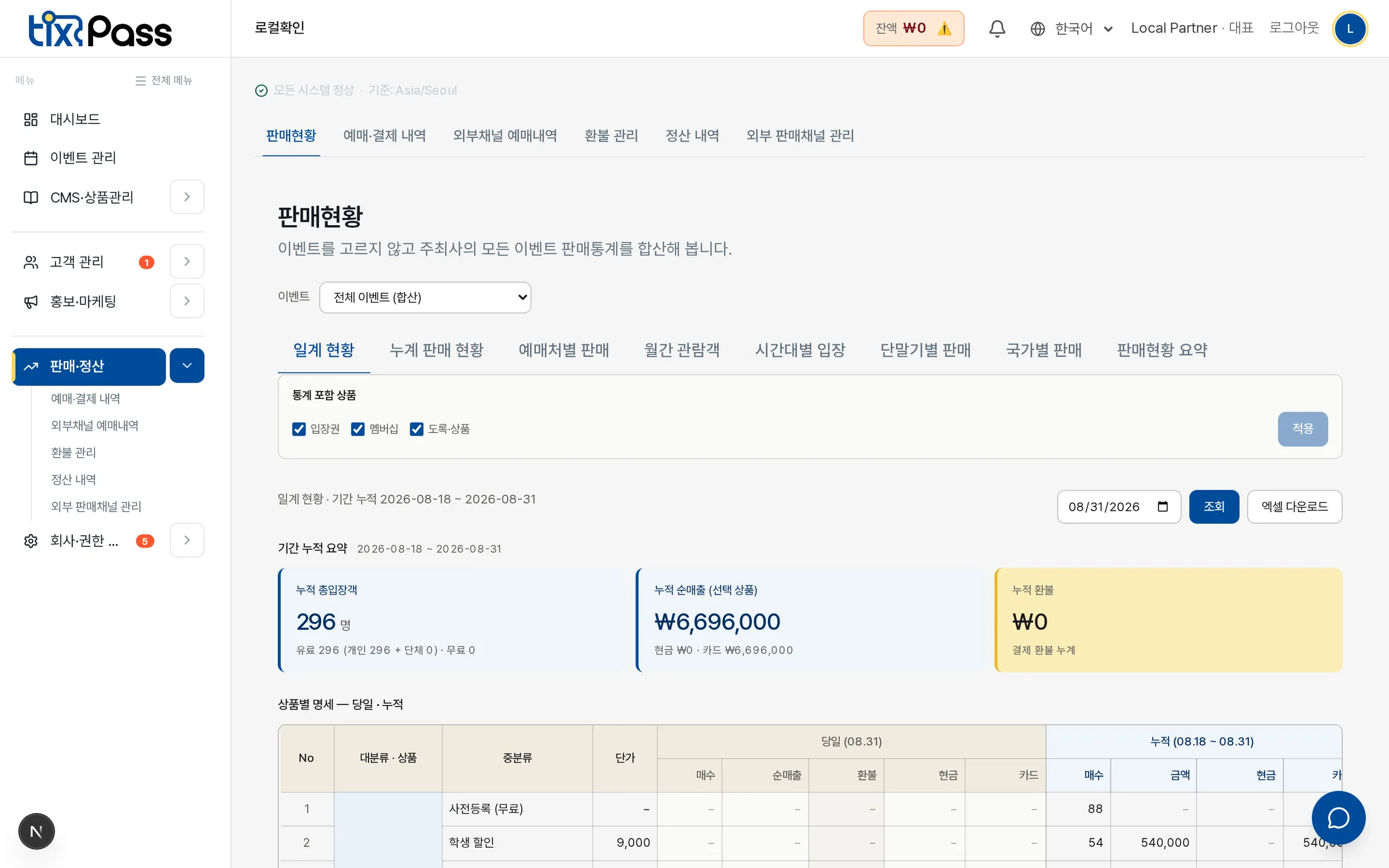
Sports
Manage the energy of the stadium
Learn morePaid or free, the path after issuance is the same. Only the payment step differs.
Paid tickets
Five steps from booking to entry.
Choose a ticket type
The buyer picks a date, a session and a ticket type on the event page. Sales windows and per-person limits are set in the console, and the booking screen enforces them.
Pay
Card and one-tap payment settle right away; a bank transfer to the corporate account issues the ticket once the deposit is confirmed.
Issue
The ticket is created the moment payment is approved. Nobody has to confirm it by hand.
Deliver
Email, text message, KakaoTalk and the TixPass app. The same ticket opens whichever channel it arrived on.
Enter
Staff scan a QR that changes every 60 seconds. Re-entry and transfers to a friend are switches the organiser turns on.
Free tickets and invitations
Only the payment step drops out.
Register
A pre-registration form or an invitation link collects the attendee details. Each event decides in the console what to ask.
Confirm a place
Duplicate registrations, capacity and closing times are decided by the server. Going around the screen gives the same answer.
Issue
The ticket is created as soon as registration completes. Everything after this is identical to a paid ticket.
Deliver
The same channels. Free attendees get the same guidance as paying buyers.
Enter
The same QR, the same scanner. Paid and free entries land in one ledger, so attendance counts never split.
Ask for a sign-up and the booking ends right there. Guests buy with nothing but contact details; members get conveniences on top. The organiser sets nothing up — both paths are open from the start.
Guest booking
First-time visitors, and anyone who would rather not sign up.
Member booking
Regulars, and anyone who books several events.
Pre-registration and invitations need no sign-in either. Whichever path the audience takes, the ticket is the same, and the scanner at the door does not tell members from guests.
The platform stays the same; only the way seats are handled changes. Pick the type that matches the event, and the booking screen and on-site operation follow.
Reserved seating
Theatres and halls where every seat has a number.
Free seating by zone
Shows and exhibitions that divide zones but seat people first-come.
Standing
Standing concerts and trade shows with no seats at all.
Sessions and time slots
Performances that run several times a day, exhibitions that spread visitors across time slots.
TIXPASS PRICING
Free-admission events · per-event fees · VAT excluded
Policy agreed on 2026-09-29. Confirm availability and the effective date during your consultation.
Cumulative registrations 0–300
₩0
Fee per event
Cumulative registrations 301–1,000
₩500,000and up
Fee per event
Cumulative registrations 1,001–3,000
₩1,750,000and up
Fee per event
Cumulative registrations 3,001+
₩2,750,000and up
Fee per event
Free admission · up to 300 attendees · any event type — concerts, exhibitions, festivals, sports, seminars. The audience books in the TixPass app; pre-registration runs on the web. Audience booking, ticket viewing and QR use, including invitations, are in the TixPass app. Web pre-registration and Excel list imports are supported.
Registration pages, Excel list import, dynamic QR tickets, mobile check-in, attendee exports, live entry dashboard, surveys, attendance certificates and business-hours chat support. Manuals and screen guides are included; general support is not divided into hourly or request-count allowances.
| TIXPASS | Cumulative registrations | Fee per event |
|---|---|---|
| Free | 0–300 | ₩0 |
| Starter | 301–400 | ₩500,000 |
| Starter | 401–500 | ₩750,000 |
| Starter | 501–700 | ₩1,100,000 |
| Starter | 701–1,000 | ₩1,500,000 |
| Pro | 1,001–1,500 | ₩1,750,000 |
| Pro | 1,501–2,000 | ₩2,000,000 |
| Pro | 2,001–2,500 | ₩2,250,000 |
| Pro | 2,501–3,000 | ₩2,500,000 |
| Enterprise | 3,001–3,500 | ₩2,750,000 |
| Enterprise | 3,501–4,000 | ₩3,000,000 |
| Enterprise | 4,001–4,500 | ₩3,250,000 |
| Enterprise | 4,501–5,000 | ₩3,500,000 |
| Enterprise | 5,001–10,000 | ₩3,500,000 + ₩150,000 per started block of 500 above 5,000 |
| Enterprise | 10,001+ | Contact us |
Available with every plan. VAT excluded. Contracts with on-site equipment or staff have a ₩2,000,000 minimum. Manager setup support and on-site staffing are separate.
Fees use cumulative registrations per event, not actual check-ins. Excel imports and participants across sessions are added together. Cancelling after accepting an invitation does not remove the registration. Free covers 300 registrations across the whole event.
Audience booking, ticket viewing and QR use, including invitations, are in the TixPass app. Web pre-registration and Excel list imports are supported.
Review the plan, register a card and prepay the tier difference before the event to activate the new limit and features. From 500 to 700: ₩1,100,000 − ₩750,000 paid = ₩350,000 extra. Above 5,000, round up in blocks of 500: 5,001–5,500 costs ₩3,650,000; 10,000 costs ₩5,000,000. Above 10,000 requires a quote.
Existing tickets, check-in for already permitted registrants, and plan review/payment remain available. New registrations and imports, invitation/email sending and attendance certificates are restricted. The check-in app blocks out-of-limit registrants, regardless of arrival order. Paying the difference enables features under the new limit.
Free includes 300 initial sends. Register a card and buy extra emails to resume; the extra rate is to be confirmed. Paid plans include 3 sends per registrant. Resends count; failed sends do not. Email purchases never increase registration capacity. If registrations exceed the limit, pay for the higher tier before sending more emails.
Free shows and exhibitions start with TixPass app booking — the audience accounts and their data stay with you.
Already collecting registrations elsewhere? Import your Excel list to continue with QR tickets and check-in.
कन्सर्ट, प्रदर्शनी तथा व्यापार मेला, संग्रहालय र खेलकुद — हरेक क्षेत्रका लागि छुट्टै मिलाइएको समाधान छ। क्षेत्र र दर्जा अनुसारको बुकिङ, स्वचालित टिकट जारी तथा प्रवेश जाँच, बहुभाषिक टिकट जारी र एआई अडियो मार्गदर्शक जस्ता सुविधा आवश्यकता अनुसार छान्न सकिन्छ।
निःशुल्क सुरु गर्न सकिन्छ। कार्यक्रम दर्ता गरेर मुख्य टिकट सुविधाहरू कुनै शुल्क बिना प्रयोग गर्नुहोस्, त्यसपछि आकार र आवश्यकता बढ्दै जाँदा थप सुविधा जोड्न सकिन्छ।
मिल्छ। दर्शकले नाम, फोन नम्बर र इमेल लेखेर भुक्तानी गर्छन्, टिकट इमेल, एसएमएस र काकाओटकबाट आउँछ। काकाओ, गुगल वा एप्पल खाताबाट लगइन गरे खरिदकर्ताको विवरण आफैँ भरिन्छ र सबै बुकिङ एकै ठाउँमा देखिन्छ। पूर्वदर्ता र निमन्त्रणा टिकटका लागि पनि लगइन आवश्यक छैन।
मिल्छ। एक पटक दर्ता गरेपछि कार्यक्रम कोरियाका प्रमुख टिकट च्यानल र विदेशका अनलाइन ट्राभल एजेन्सीसम्म धेरै ठाउँमा देखिन्छ। च्यानलअनुसार छरिएको बिक्री र हिसाब एउटै ड्यासबोर्डबाट व्यवस्थापन गर्न सकिन्छ।
आयोजकको हुन्छ। टिकट कुनै पनि च्यानलबाट बिक्री भए पनि दर्शकको डेटा टिक्सपास ड्यासबोर्डमा एकीकृत हुन्छ, त्यसैले सबै खरिदकर्तालाई सन्देश र एसएमएसबाट सिधै मार्केटिङ गर्न सकिन्छ।
समाधान पृष्ठको सम्पर्क बटनबाट वा डेमो अनुरोध गरेर सम्पर्क गर्नुहोस्, हामी तपाईंको क्षेत्र सुहाउँदो योजना सुझाउनेछौं। ग्राहक सेवा +82-2-575-0809 मा फोन पनि गर्न सक्नुहुन्छ।
निःशुल्क प्रवेश भएका कार्यक्रममा कुल 300 दर्तासम्म निःशुल्क हुन्छ र सुरुमा जम्मा 300 इमेल समावेश हुन्छन्। वास्तविक प्रवेश होइन, सबै सत्र र बाह्य सूचीको सञ्चित दर्ता गनिन्छ; निमन्त्रणा स्वीकार गरेपछि रद्द गर्दा पनि गनिन्छ। टिकट बुकिङ, निमन्त्रणासहित टिकट हेर्ने र क्यूआर प्रयोग गर्ने काम टिकस्पास एपमा हुन्छ। वेबमा पूर्वदर्ता र एक्सेल सूची आयात गर्न सकिन्छ। सशुल्क योजनामा प्रतिदर्ता 3 इमेल हुन्छन्। पुनः पठाएको गनिन्छ, असफल पठाइ गनिँदैन। थप इमेलको दर पछि निश्चित हुनेछ; कार्ड दर्ता र भुक्तानीपछि प्रयोग गर्न सकिन्छ। इमेल किन्दा दर्ता सीमा बढ्दैन। सीमा नाघेमा माथिल्लो योजनाको अन्तर रकम पहिले तिर्नुपर्छ। उपकरण र जनशक्ति छुट्टै शुल्कमा उपलब्ध छन्। 2026-09-29 को सहमत नीति हो; लागू मिति र उपलब्धता परामर्शमा पुष्टि गर्नुहोस्।